When a POS has a camera but no camera app
Another interesting problem I ran into while working on the POS apps: the POS terminal has a camera, it just doesn’t have a camera app.
I was building a feature to capture rider photos for ID cards and, naturally, I used expo-image-picker with launchCameraAsync(). It worked perfectly on my phone. It worked on the previous terminals too, but on the new terminal, it failed every single time.
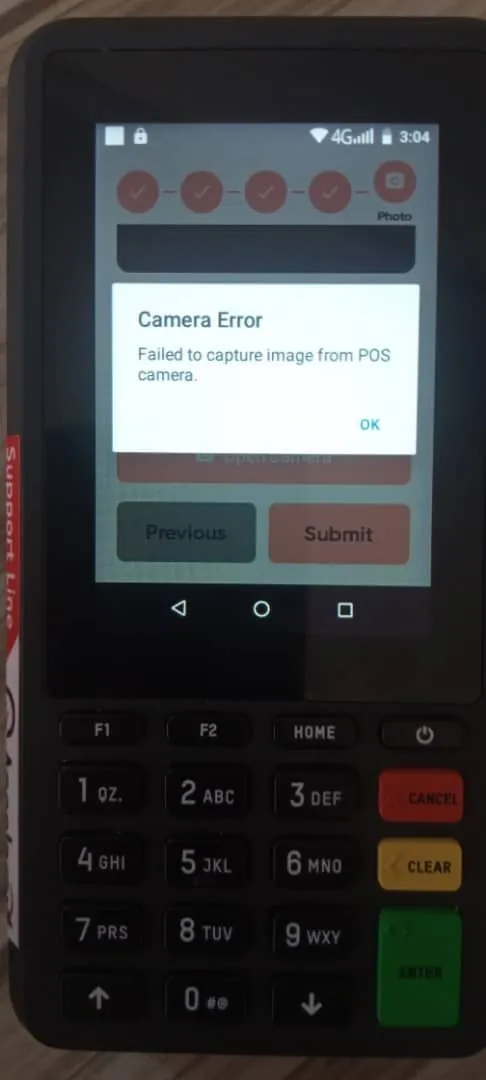
At first, I thought it was something specific to my code, the terminal or the vendor SDK, so I started looking.
Then I dug a little deeper into what launchCameraAsync() actually does. It doesn’t directly talk to the camera hardware. It sends an Android ACTION_IMAGE_CAPTURE intent and expects another app on the device, usually the system camera app, to handle that request and return the image. That was the problem.
These POS terminals are much more stripped down than regular Android phones. The camera hardware exists because other features need it, but there isn’t necessarily a general-purpose camera app installed to handle that intent.
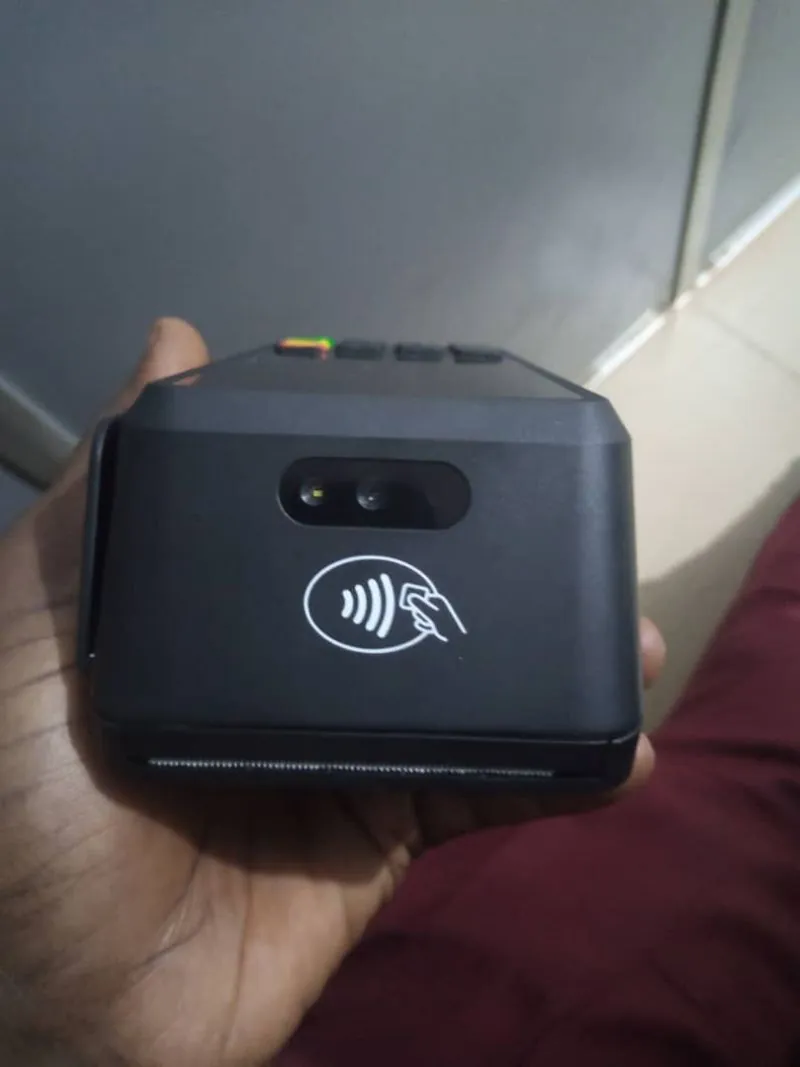
So I switched to expo-camera. Instead of asking another app to take the picture, I could render the camera preview directly inside my app and communicate with the camera hardware from there. I added the capture flow, a preview, and Retake / Use Photo actions myself.
I also kept ImagePicker for regular phones and the previous terminals, where the system camera is available. The app checks the device it’s running on and uses the appropriate approach.
What I liked about this problem was that it made me understand Android intents a lot better. On a normal phone, you don’t really think about what’s happening when an app opens the camera. You just tap “Take Photo” and a camera appears. On dedicated hardware, you start seeing all the pieces underneath:
- The camera exists.
- The camera app doesn’t.
- The intent exists.
- But there’s nobody there to handle it.
And suddenly, something that works perfectly on a phone doesn’t work at all on a POS terminal.
That’s probably one of the biggest things I’ve learned from working with these devices: you can’t always assume that an Android device behaves like a phone.
Originally shared on LinkedIn.