Oyo State field systems
Digital infrastructure for field operations across Oyo State.
- Role
- Mobile Engineer
- Context
- AFT Solutions Limited, for Oyo State agencies
- Timeline
- Aug 2024 to present
- Platforms
- Android POS, Android, iOS
- Status
- Primary metric
- ₦6B+processed across systems
Overview
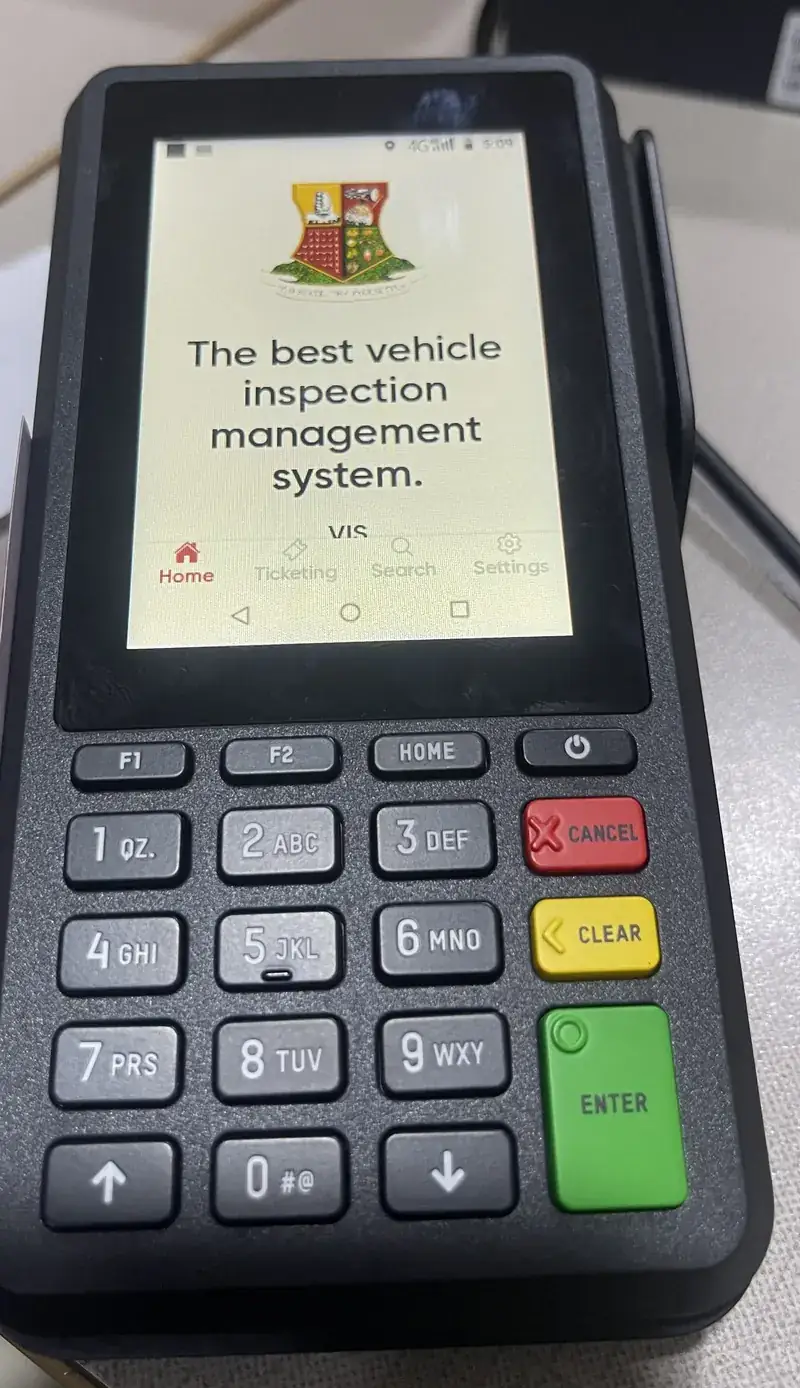
These are the tools Oyo State officers use on the road, at checkpoints and at hospital desks. Traffic officers issue tickets and rider ID cards on OYRTMA. Vehicle inspection officers ticket, verify documents and take payment on OYO-VIO. Haulage staff create trips, pass checkpoints, issue QR-verifiable waybills and sell vehicle documents on E-Haulage. MedicFlow bills patients in hospitals.
Most of them run on dedicated Android POS terminals from two vendors, Morefun and Accelerex. The same device takes the card payment and prints the ticket, receipt or ID card on the spot. Officers work outdoors, often on weak mobile networks, and the terminal in their hand is the whole system.
Across these systems, more than ₦6B in payments has been processed.
My role
I am the mobile engineer building the field applications in React Native. I implemented the apps, integrated the backend APIs, wrote the native bridges to each terminal vendor’s printing and payment services, handled the device-specific work (camera, printing, card payments) and manage builds and over-the-air updates to devices in the field. Backend services and the vendors’ own software are built by others.
The challenge
Dedicated POS hardware is not a normal phone. It can lack apps that phones take for granted, each vendor exposes printing and payment differently, printers impose their own limits, and once devices are deployed across a state you cannot collect them for every update.
- Two terminal vendors with different SDKs and print rules.
- Some terminals ship without a system camera app.
- Printing and payment run in a separate vendor application.
- Devices are spread across the state and hard to recall.
Architecture
Field application
Built by me
Native bridge
Built by me
Vendor print and payment service
Third party
Card reader and printer
Third party
In the field
The systems
OYRTMA
Road traffic enforcement for the Oyo State Road Traffic Management Authority: tickets, payments and printed rider ID cards.
OYO-VIO
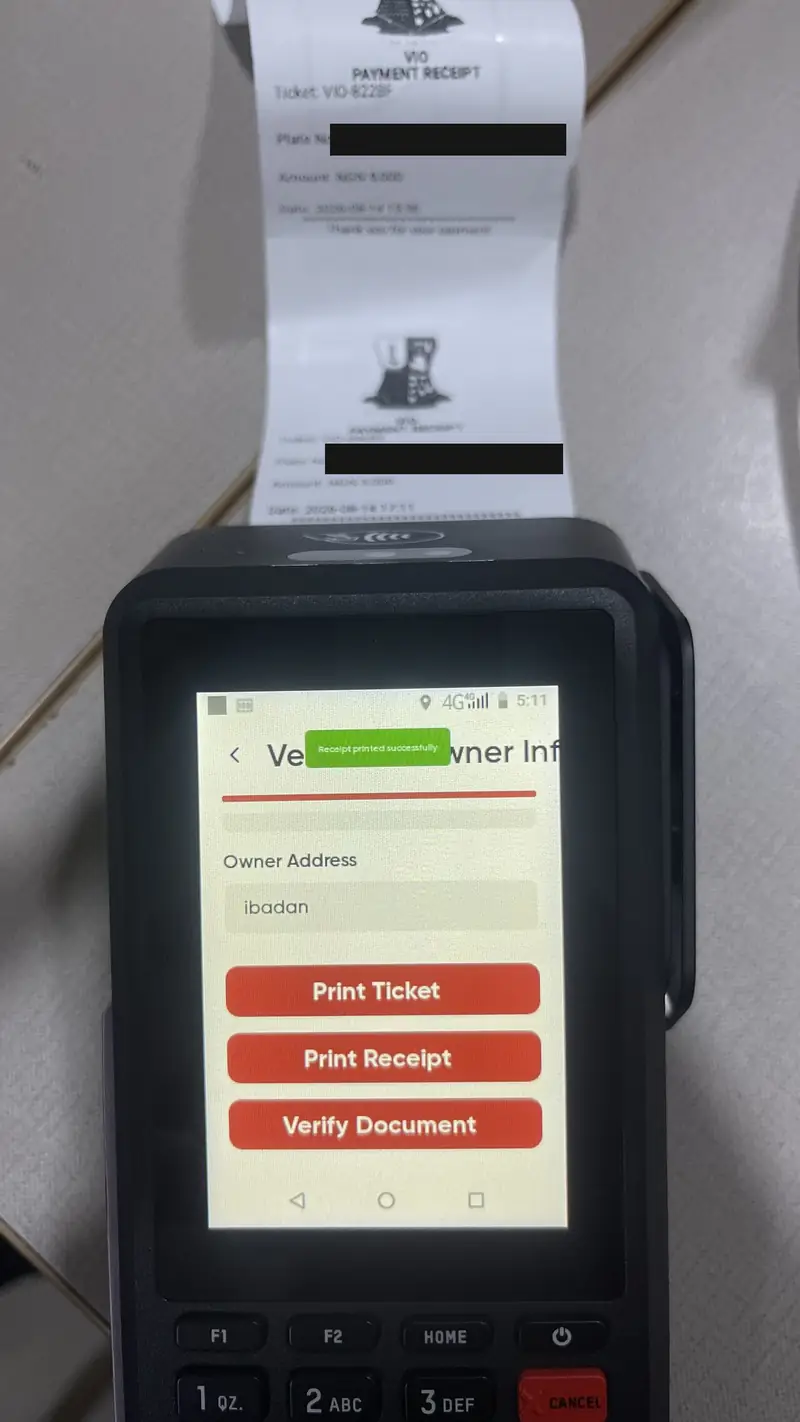
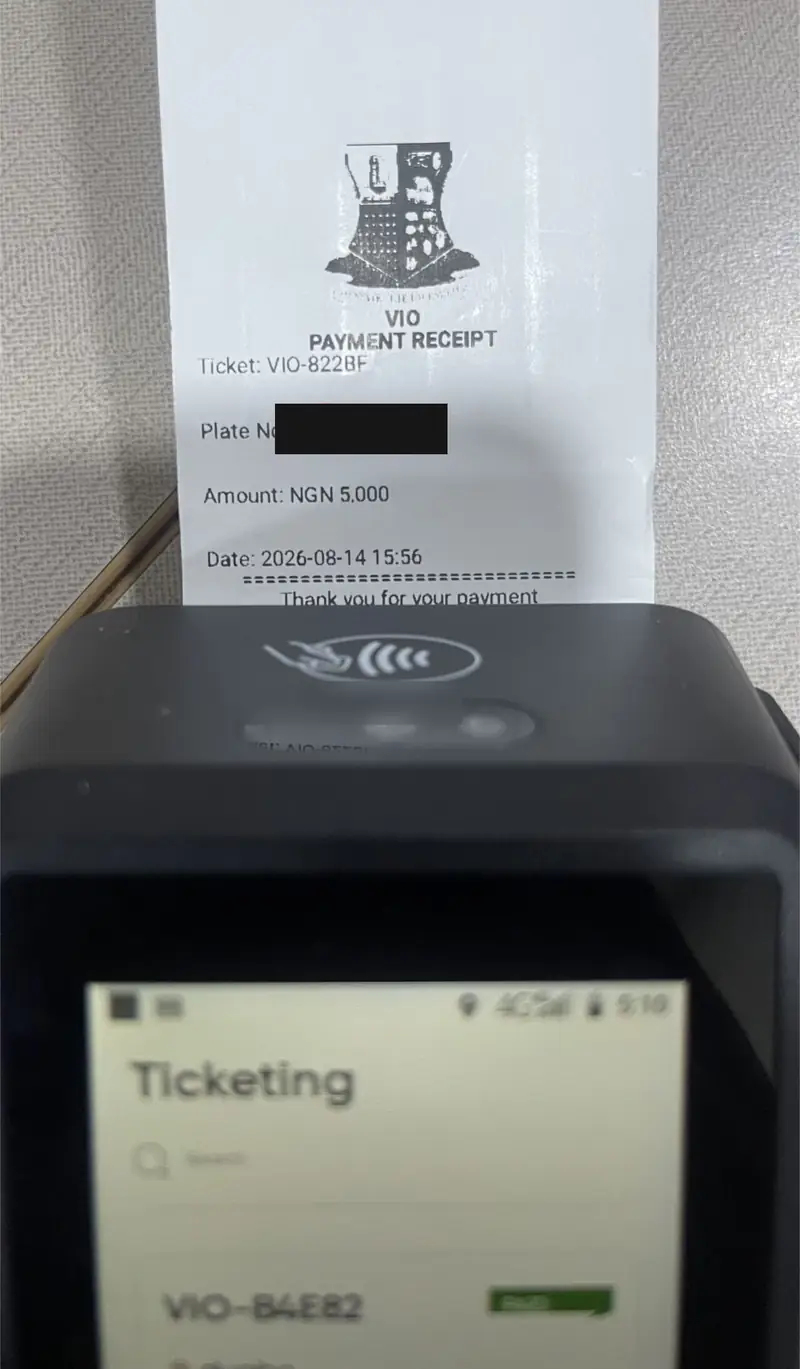
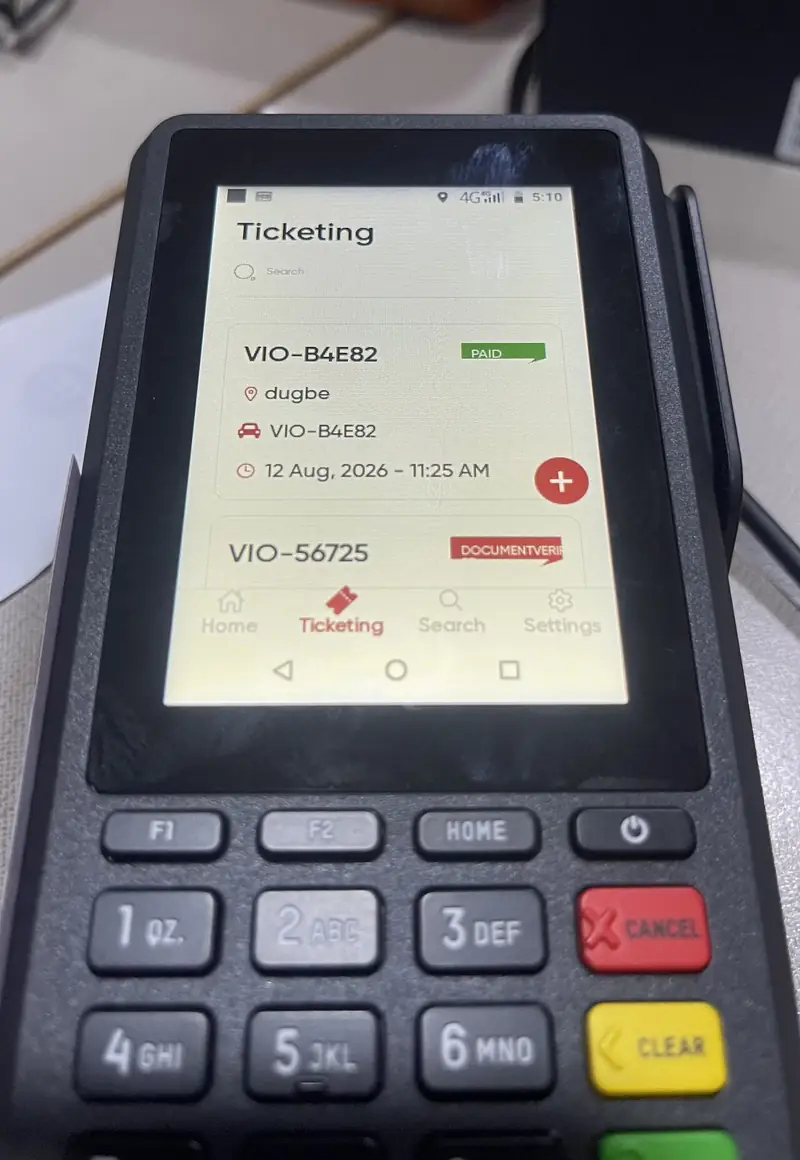
Vehicle inspection officers issue tickets, verify documents, take payment and print receipts on the terminal.
MedicFlow
Patient registration, records and billing for hospitals, on the same POS terminals. It has its own case study.
E-Haulage
Haulage and road tax: trips, checkpoints, QR-verifiable waybills and vehicle document sales, paid online or on the terminal.
Park n’ Pay
Parking management and payments for vehicles and trucks.
OYO-BMS
Business registration that assigns traders a unique business number.
OYO-SSS
Waste management and whistleblowing: tickets, enforcement requests and fines.
Engineering challenges
A camera on a device with no camera app
- problem
- OYRTMA captures rider photos for ID cards. The flow worked on phones and older terminals but failed on every new terminal.
- constraint
- launchCameraAsync from expo-image-picker does not talk to the camera. It sends an ACTION_IMAGE_CAPTURE intent for another app to handle, and the new terminals have camera hardware but no camera app to answer it.
- approach
- I switched those terminals to expo-camera, rendering the preview inside the app with my own capture, preview and Retake / Use Photo actions. ImagePicker stays on phones and older terminals, and the app checks which device it is on.
- result
- Photo capture works on every terminal in use, with or without a system camera app.
Printing receipts through another application
- problem
- An earlier integration took base64 images, but the Accelerex printer’s Bitmap field expected a file path. Writing the image to the app’s cache and passing that path still crashed.
- constraint
- Printing is handed off to a separate app on the terminal, and it cannot read files inside the React Native app’s sandbox.
- approach
- Write the composed image to shared media storage with expo-media-library, pass that path to the POS app, and delete the temporary file once the print job completes.
- result
- Receipts print reliably from the payment application, without leaving images behind in storage.
An ID card that fits in 300 pixels
- problem
- Printed rider ID cards came out as small, unreadable blocks, however large the source image was.
- constraint
- The Accelerex printer scales every image to 300 pixels wide, so a bigger image prints smaller. Each print field holds one image and prints as its own pass.
- approach
- The card’s details print as native text lines, which the terminal renders at a legible size. Only the pictures go through the image field: the state logo and the rider’s photo are composed side by side into one 300 by 150 header, authored at its final print size.
- result
- ID cards print legibly in a single pass.
Two vendors, one codebase
- problem
- The same apps had to print and take payment on Morefun and Accelerex terminals.
- constraint
- Morefun ships a Java SDK whose real package names and method signatures differed from what the integration expected. Accelerex works through a separate app. Neither is part of Expo.
- approach
- A small native Android module for each vendor, found by inspecting the SDK itself where the docs were wrong, exposed to React Native through one typed interface and installed by an Expo config plugin. Devices without the module fall back gracefully.
- result
- The same React Native code prints and collects payment on both vendors’ terminals.
Confirming payments without polling
- problem
- After an online payment on E-Haulage, the trip should become ready without anyone refreshing the screen.
- constraint
- Field networks drop out, and a payment that never confirms cannot leave the screen spinning forever.
- approach
- The app opens an authenticated Server-Sent Events stream for the payment reference. A success event stops the pending state, releases the waybill and moves the officer on. Malformed events, connection errors, unmounting and a five-minute timeout are all handled.
- result
- Payment, trip status and QR-verifiable waybill update together, live.
Updating devices you cannot collect
- problem
- Every change meant building an APK, moving it to a terminal, installing it and testing, again and again.
- constraint
- Terminals are deployed with officers across the state, run on two CPU architectures, and have no Play Store.
- approach
- Terminals get builds that include expo-updates. eas.json has separate profiles for armeabi-v7a (older terminals) and arm64-v8a (newer ones), each with its own update channel, and JavaScript fixes ship as OTA updates.
- result
- JavaScript fixes reach terminals when the app next launches, with no rebuild or reinstall.
Outcome
₦6B+
processed across systems
7
production systems
2
POS terminal vendors supported
Most of the hard problems here were not in React. They were in Android intents, storage sandboxes, vendor SDKs and printer limits, and the fix each time was to understand the device instead of assuming it behaves like a phone.
Technologies
Links
Internal deployment for Oyo State agencies. Most systems are not publicly accessible; OYO-SSS is on both app stores.