Span
An AR tape measure that turns a camera into quotes, PDFs and 3D room scans.
- Role
- Mobile Engineer
- Context
- Personal learning project, built from my own PRD and design
- Timeline
- November 2026 to present
- Platforms
- iOS, Android
- Status
Overview
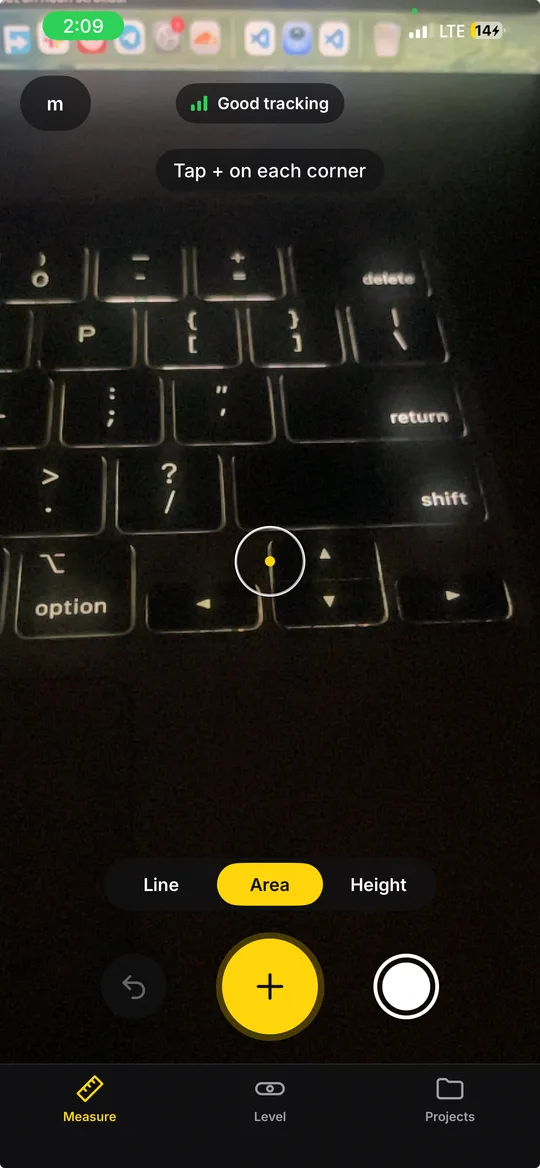
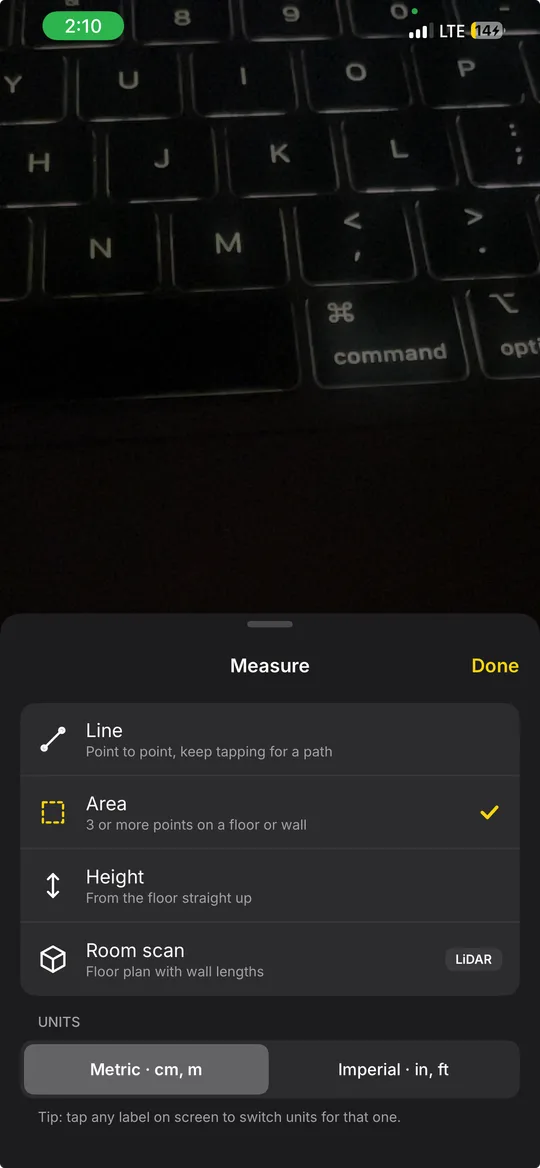
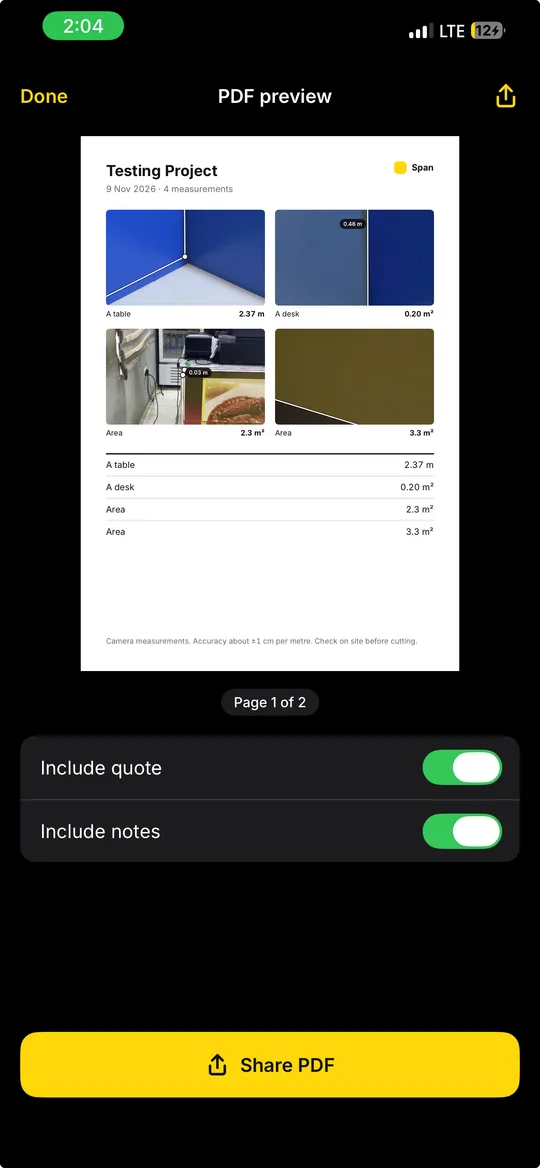
Span measures real things through the phone camera. You aim a crosshair, tap to drop points, and get lengths, chained paths, areas on a floor or wall, and heights from the floor up. Each measurement is saved with a photo that has the lines and numbers drawn on it.
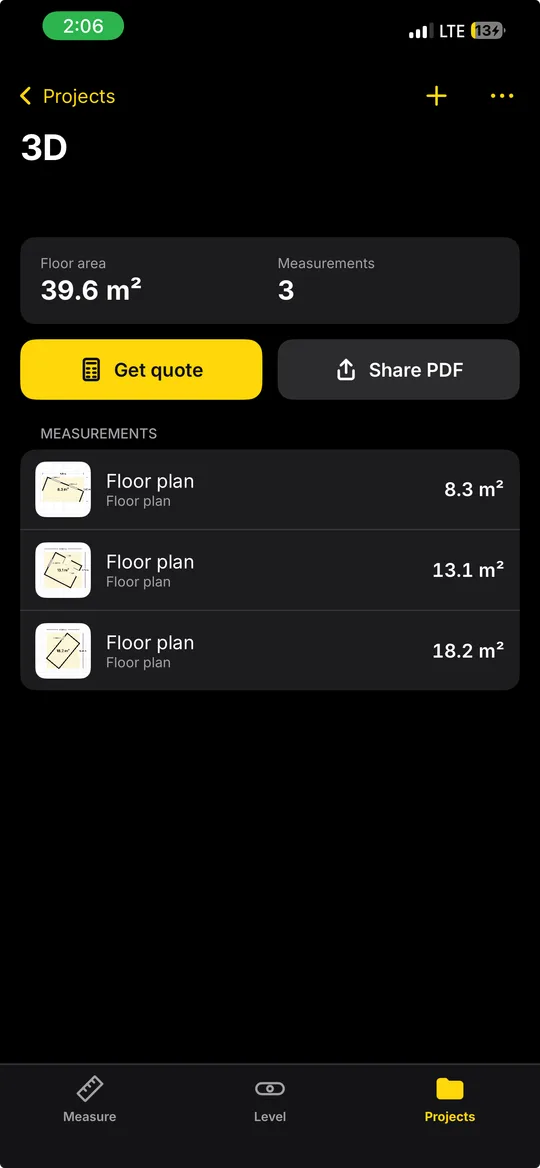
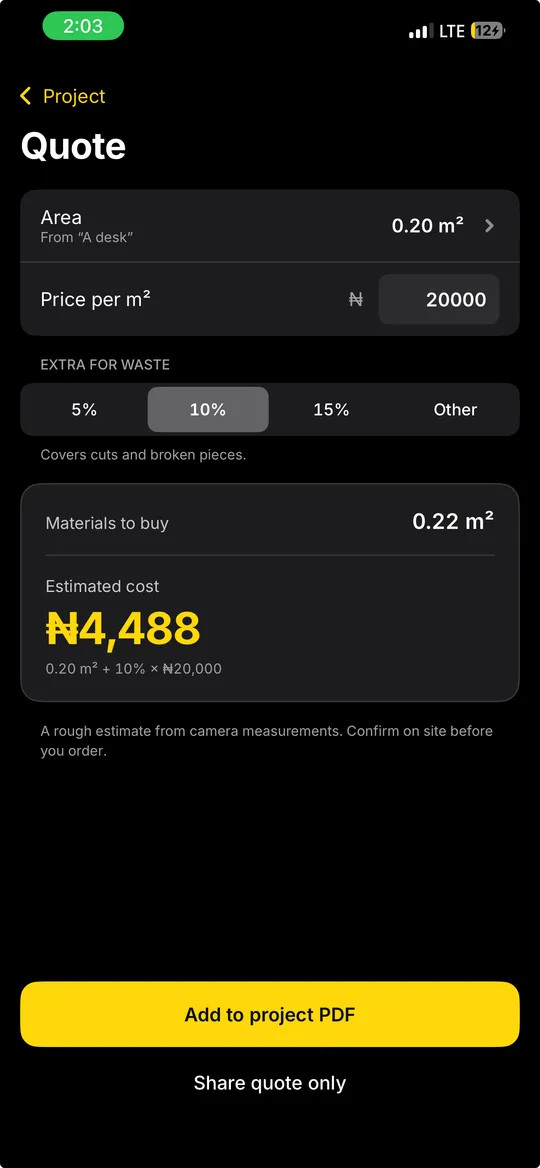
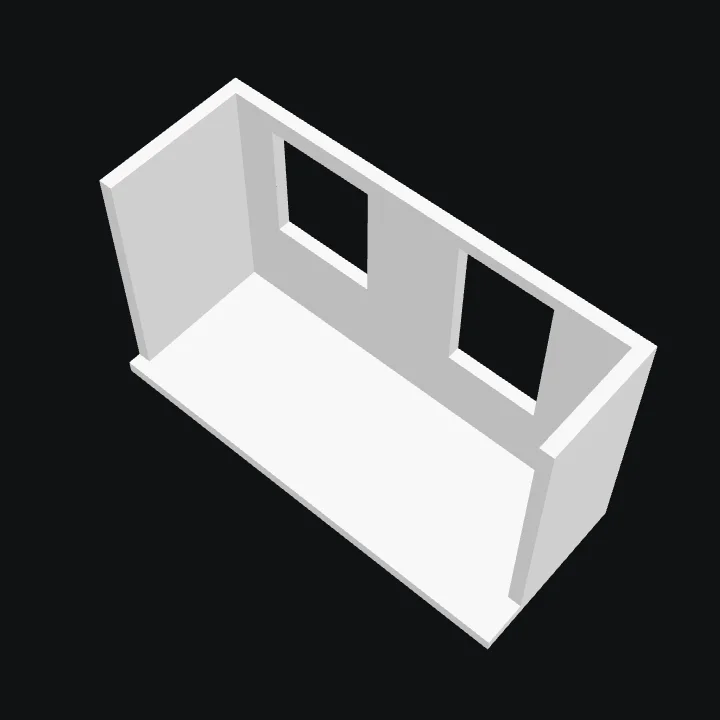
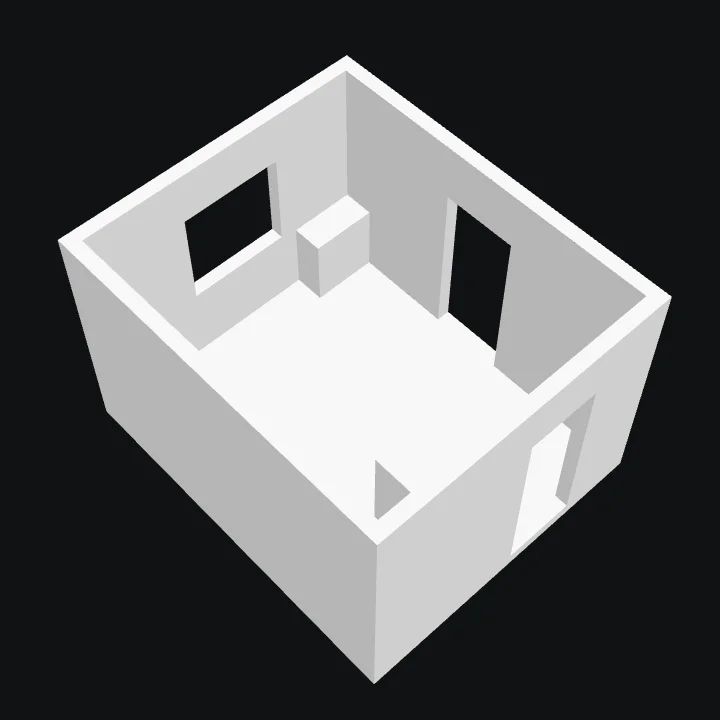
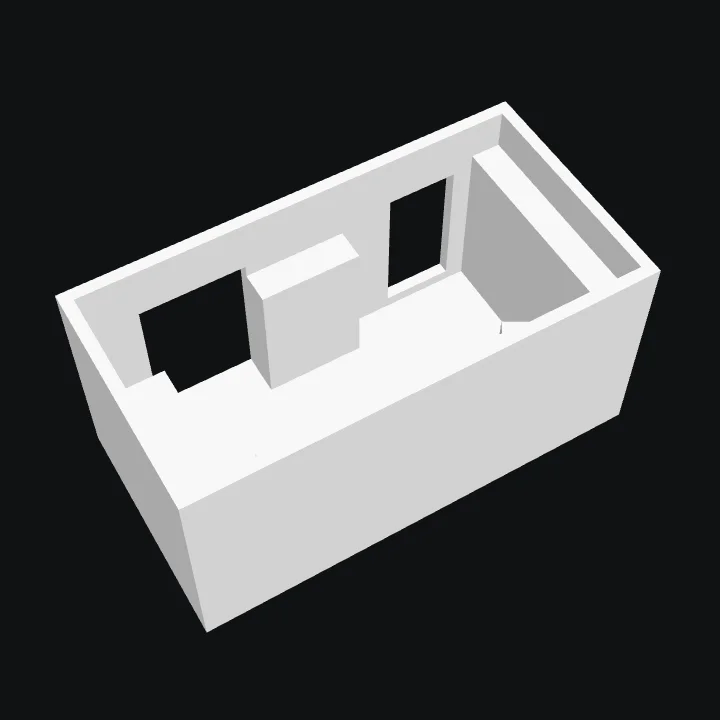
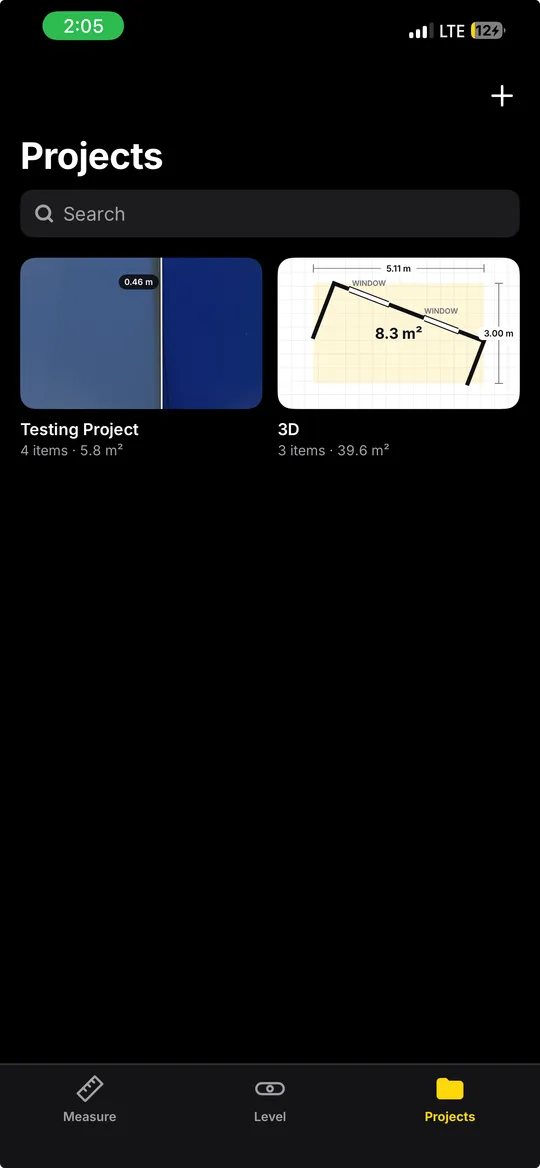
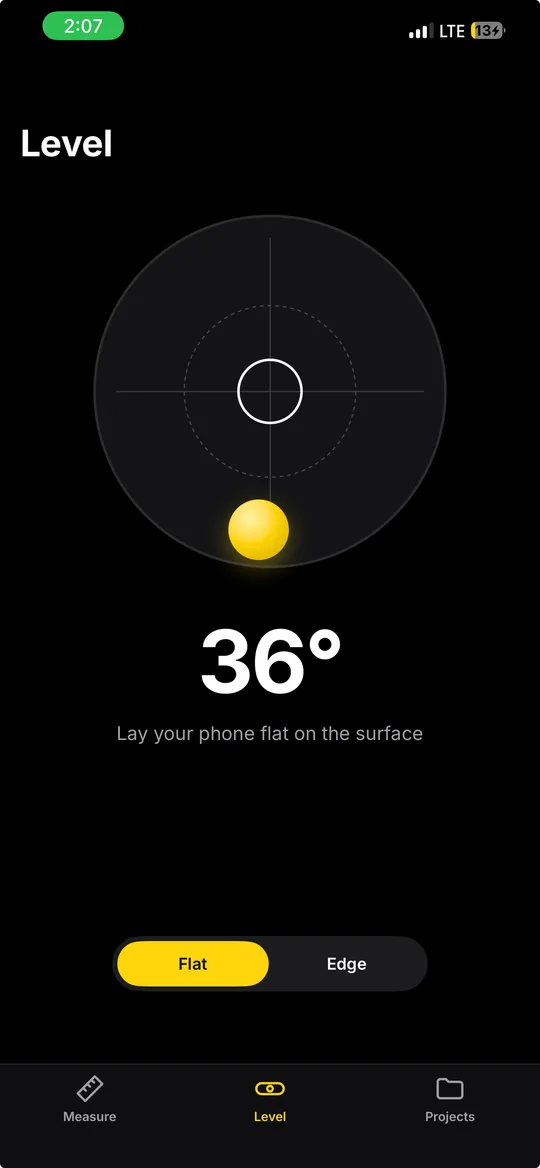
It is built for people who quote from measurements, like tilers, carpenters and decorators. Measurements go into a project such as “Mrs Ade’s living room”. A quote helper turns an area into materials to buy and a cost, and the whole project shares as a PDF. There is also a bubble level, and on iPhones with LiDAR, a room scan that produces a floor plan with wall lengths and a 3D model of the room as a USDZ file.
It is one product built twice, natively: Swift with ARKit and RealityKit on iOS, Kotlin with ARCore and Jetpack Compose on Android. The iPhone version has been tested on a real phone through TestFlight. The Android version has only run on the emulator, because my Android phone cannot run ARCore.
See it work
My role
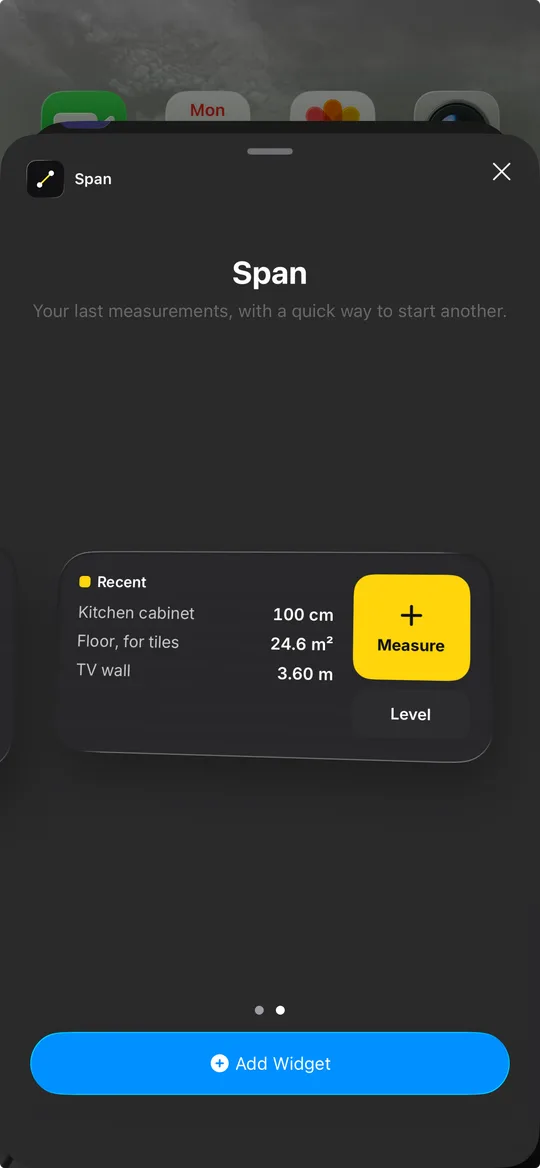
I wrote the requirements, matched the screens to my design and built both native apps, including the measuring maths, the simulated AR used for testing, the PDF and quote features, widgets on both platforms and the room scan on iOS. I also tested the iPhone build on my own phone through TestFlight and debugged its crash from the crash report.
The challenge
A measurement only means something if it is right, but AR only runs on a real phone, and I was building on a Mac that cannot run AR in the iPhone simulator. Every bug in the 3D maths had to be caught without a camera, and the app had to be honest about how accurate a camera measurement can be.
- AR runs only on real hardware, so the simulator and emulator need a fake room to test against.
- Accuracy depends on light, texture and distance, so every number shows a ± range.
- ARCore is a separate app that only certified Android phones can run, so Span must still work without it.
- Room scanning needs a LiDAR iPhone. Android has no equivalent, so that feature is iOS only.
Architecture
Camera and AR
Third party
Hit test and snap
Built by me
Measuring maths
Built by me
Projects and output
Built by me
More screens
Engineering challenges
From a tap to a point in the room
- problem
- A tap lands on a flat screen, but a measurement needs a point in 3D space, in metres.
- constraint
- Detected surfaces are accurate but take a moment to appear, and a guessed surface is fast but less sure of itself.
- approach
- The app casts a ray from the crosshair into the scene and tries real plane geometry first, then an estimated plane. The hit snaps to an existing point or a plane edge within 2.5 cm, about a finger’s width at normal distance, and existing points win so a shape can be closed on its first corner.
- result
- Points land where people mean them to, and the app shows when one has snapped to an edge.
Area on any surface
- problem
- The usual polygon area formula only works on a flat x and y grid, so it handles a floor but not a wall.
- constraint
- Real AR points are never perfectly on one plane, so the maths has to tolerate a little noise.
- approach
- Area uses Newell’s method, which adds up cross products and works on any plane. Height counts only the vertical part of the distance, so a top point tapped a little to the side does not make a door look taller.
- result
- 33 unit tests cover the maths on iOS, and all of them passed first time when ported to Kotlin.
Testing AR without AR
- problem
- Neither the simulator nor the emulator can run ARKit or ARCore, but every screen and rule still needed checking.
- constraint
- The rest of the app must not know whether it is talking to a real camera or a fake one.
- approach
- AR sits behind one protocol. A simulated version draws a room at a fixed scale and dragging moves the “phone”. Debug launch flags open any screen state directly, so each one could be compared with the design.
- result
- Layout bugs, a wrong ± value and a dead end in the camera permission flow were all found before the app reached a phone.
A crash only a real iPhone could show
- problem
- The first TestFlight build crashed seconds after starting a room scan on my iPhone 12 Pro Max.
- constraint
- The simulator uses a fake scanner, so no test ever ran RoomPlan’s real code.
- approach
- The crash report pointed to a Swift 6 thread check. Matching the build’s debug symbols with atos named the exact call: RoomPlan reports progress on a background thread, into a class promised to the main thread. A small separate delegate now takes those calls and hops to the main thread.
- result
- Room scans now finish on the phone, producing floor plans and the 3D models shown on this page.
Outcome
3
rooms scanned into floor plans and 3D models on a real iPhone
Swift + Kotlin
two native apps, one product
1 to 2 cm
off on my first real measurements, in line with the ±1 cm per metre estimate
Passing every test on a simulator proved the logic, not the hardware. The crash, the threads RoomPlan uses and the real accuracy only showed up on a phone, so the next step is a proper accuracy table across known objects.
Technologies
Links
Span is a learning project and is not on the App Store or Google Play. The iPhone build runs through TestFlight. The Android build has only run on the emulator so far, because it needs an ARCore phone.